ITIN U.S. Mailing Address: Stable and UsePostal

How to set up a private U.S. mailing address for your ITIN notice with Stable or UsePostal, including free periods, verification steps, fees, and cancellation reminders.
An ITIN notice sent to a U.S. address usually arrives faster than one sent outside the United States.
We protect your documents and personal information. If you prefer that no service provider see your ITIN, you may set up your own U.S. mailing address to receive the notice. Stable offers a three-month free period, while UsePostal offers six months. This is usually enough time to receive the ITIN notice. You can also request mail forwarding after the letter arrives.
If you only need the service temporarily, cancel your subscription or freeze the linked card after receiving your ITIN notice to avoid charges after the free period.
Stable: Three Months Free
Registration and document submission usually take 10 to 15 minutes. After your U.S. mailing address appears, send it to apply@itinservices.com. We will update your ITIN application documents.
Registration Link and Fees
- Register through this link for three months free.
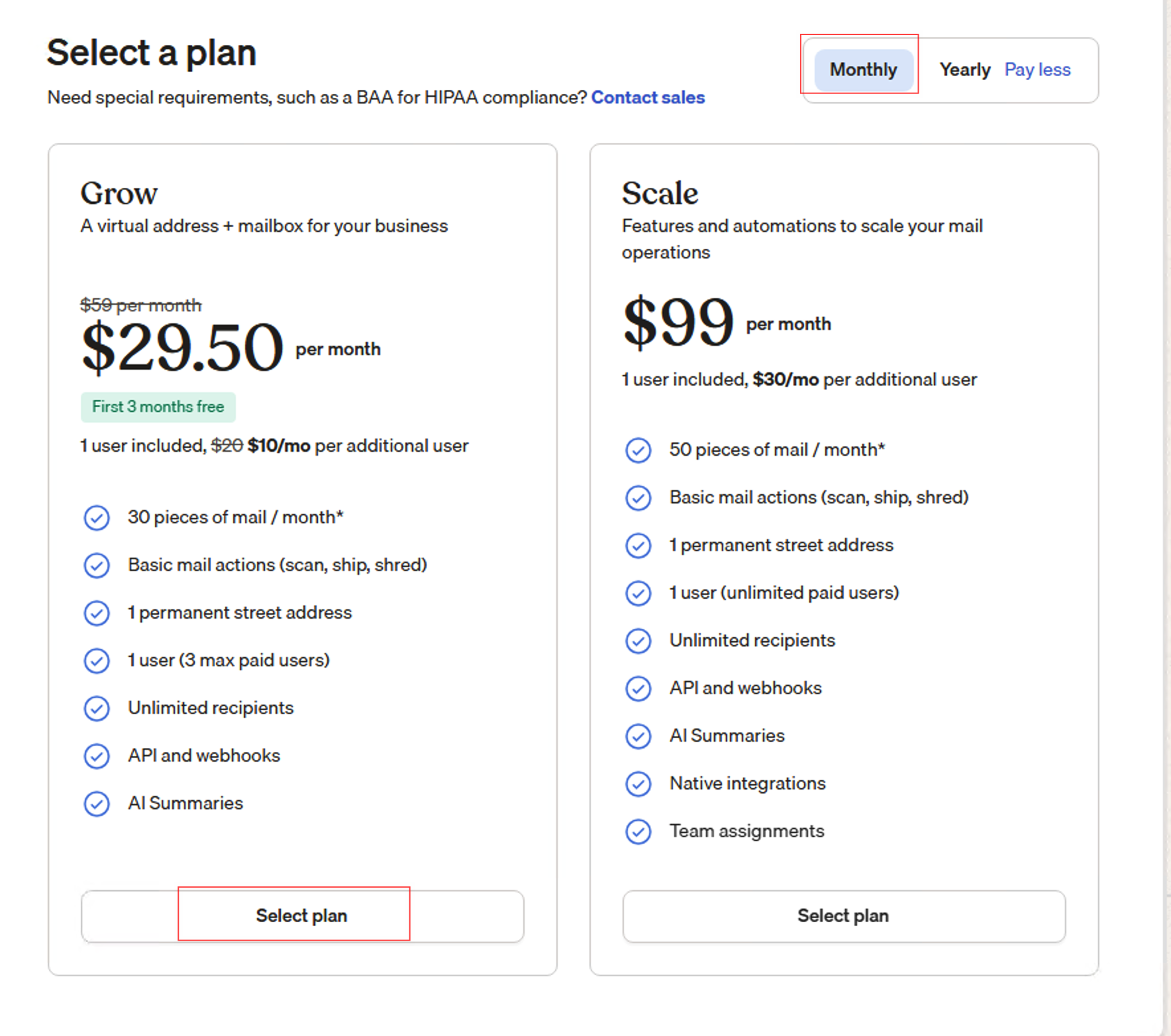
- After the free period, the standard plan is approximately $29 per month. Check your account for the current price.
- If you receive little mail, ask Stable support whether a lower-priced plan of approximately $10 per month is available.
- Contact Stable to cancel when you no longer need the service.
Registration Steps
Enter the following information:
- Name
- Email address
- Leave the company name blank
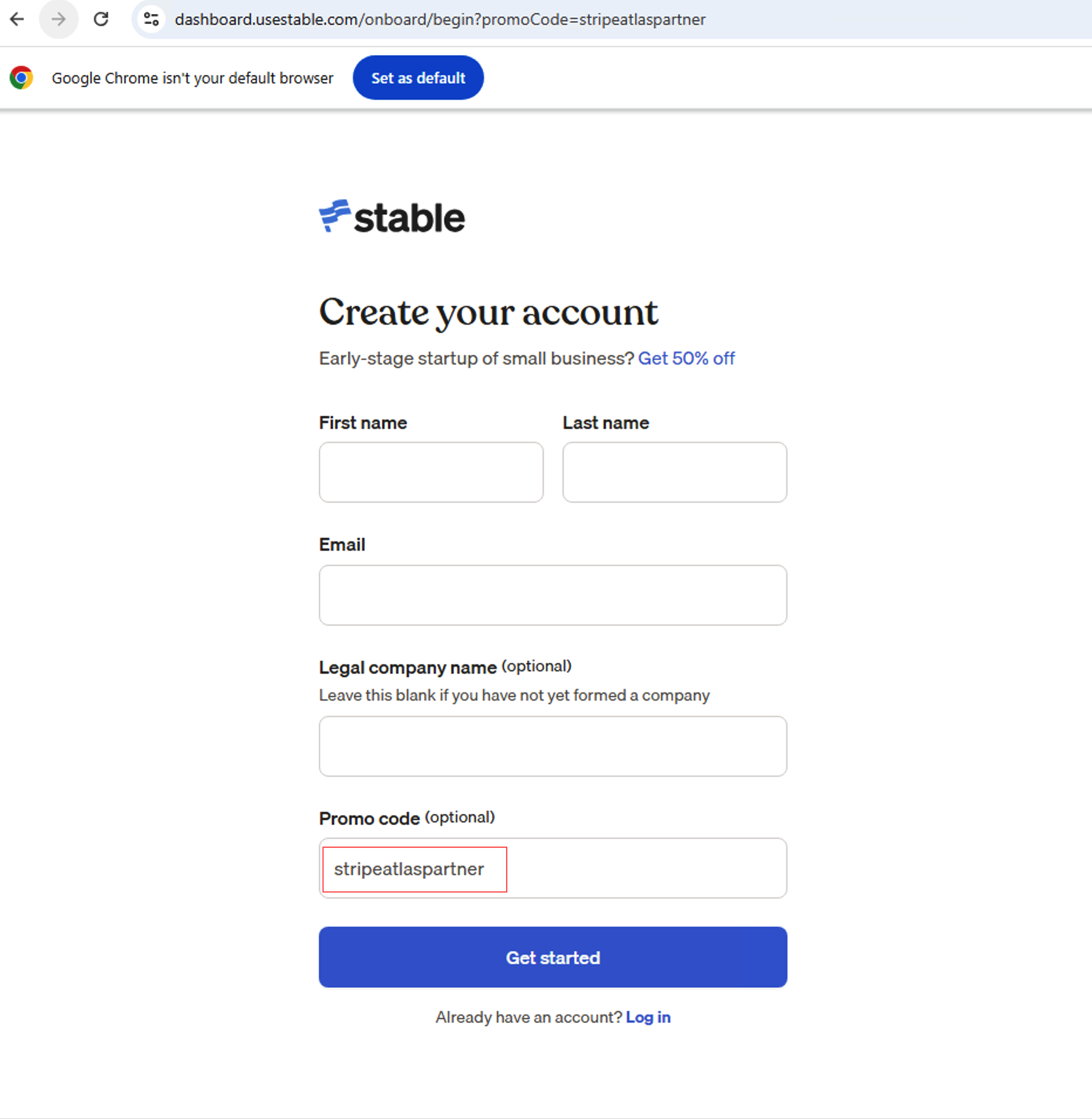
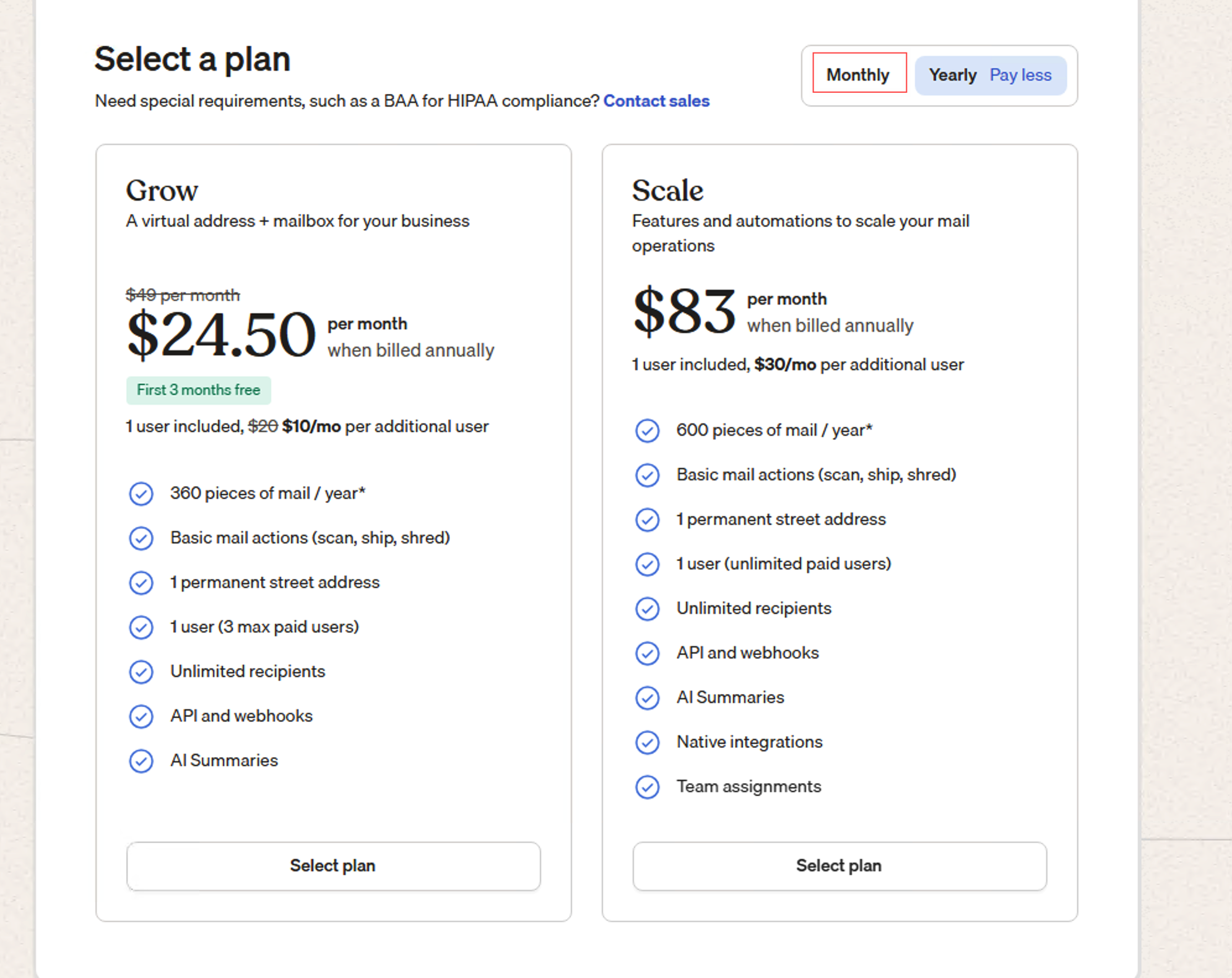
Choose monthly billing.
Choose the monthly plan and address plan.
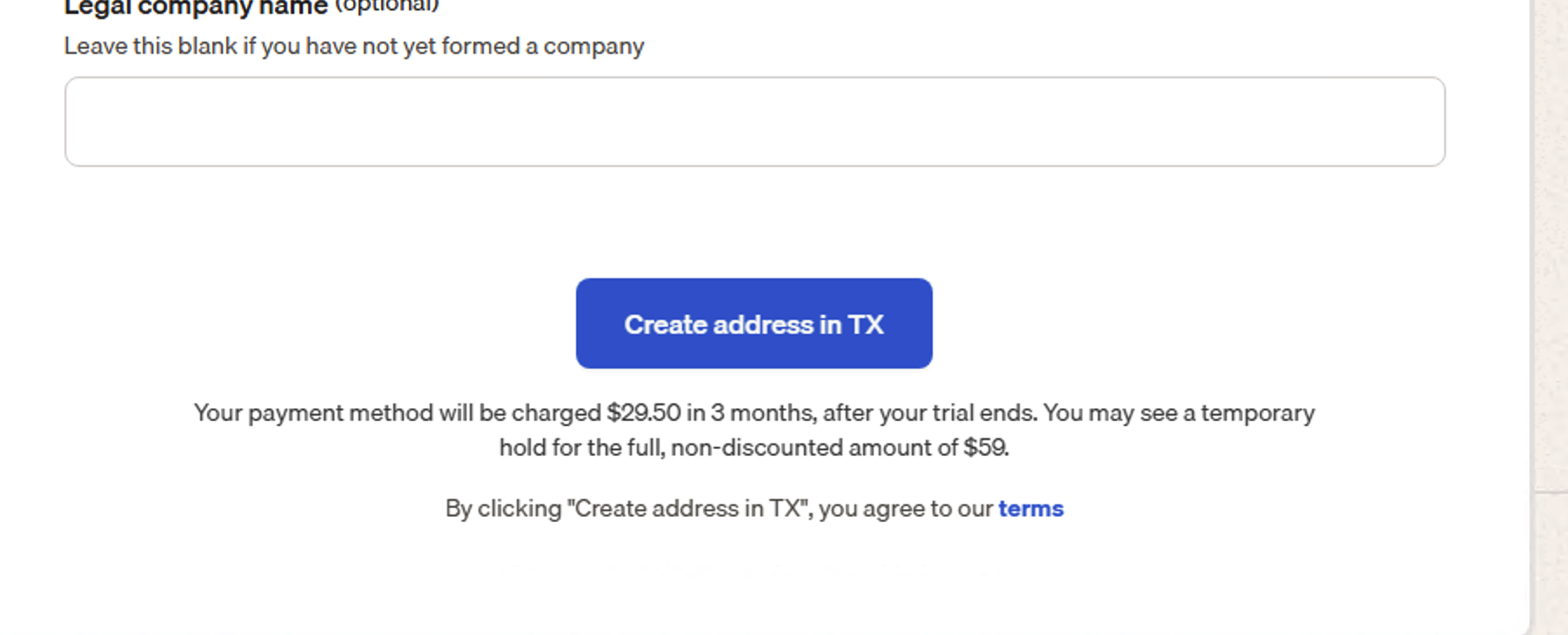
We recommend using a virtual card with a spending limit. Stable may place a temporary $59 verification authorization, which is automatically reversed after verification.
Click:
By clicking "Create address in TX", you agree to our terms
Identity Verification
Stable's Form 1583 verification does not require you to find a separate notary.
- Select foreign passport.
- Submit a photo of yourself holding your passport.
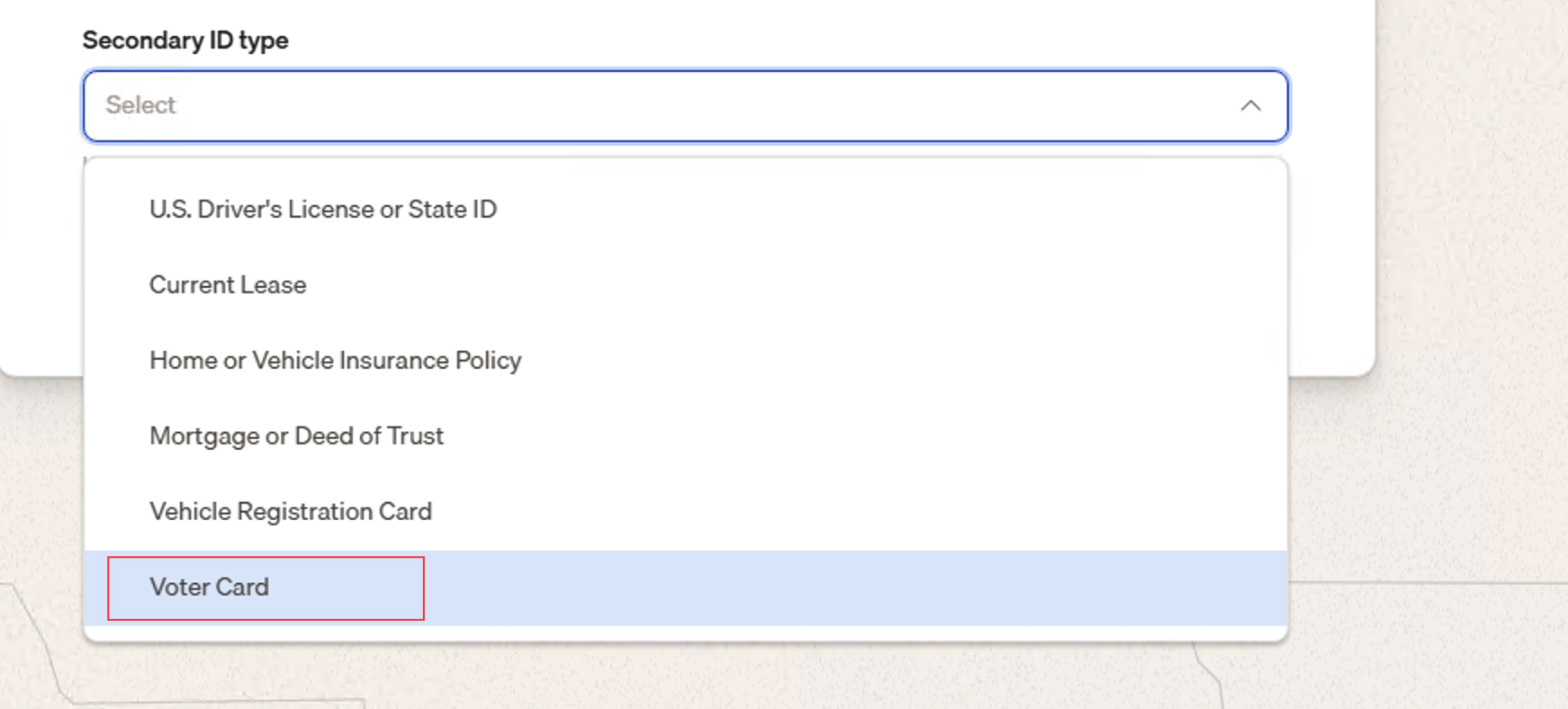
- Select Voter Card and upload your national ID card. If you do not have one, provide a lease agreement.
- Enter an English translation of the Chinese home address shown on your ID card.
Your U.S. mailing address will appear after submission. Account review is expected to take one to two business days.
Send the U.S. address to: apply@itinservices.com
UsePostal: Six Months Free
UsePostal provides a U.S. virtual mailbox and business address for receiving IRS, state government, bank, and platform notices.
Registration Link and Fees
Register for six months free with UsePostal
- New customers receive six months free.
- After the free period, check the UsePostal website or your account for the current price.
Registration and Verification
- Create a UsePostal account.
- Wait for the identity verification link.
- Submit your passport and other identity documents.
- Complete the scheduled verification by Zoom.
- Complete the Form 1583 notarization to activate the address.
Creating an account does not activate the address. UsePostal can receive, scan, and forward your mail only after the Form 1583 notarization is complete.